Shopify's expiring offline tokens: the warning looks small, the impact is not
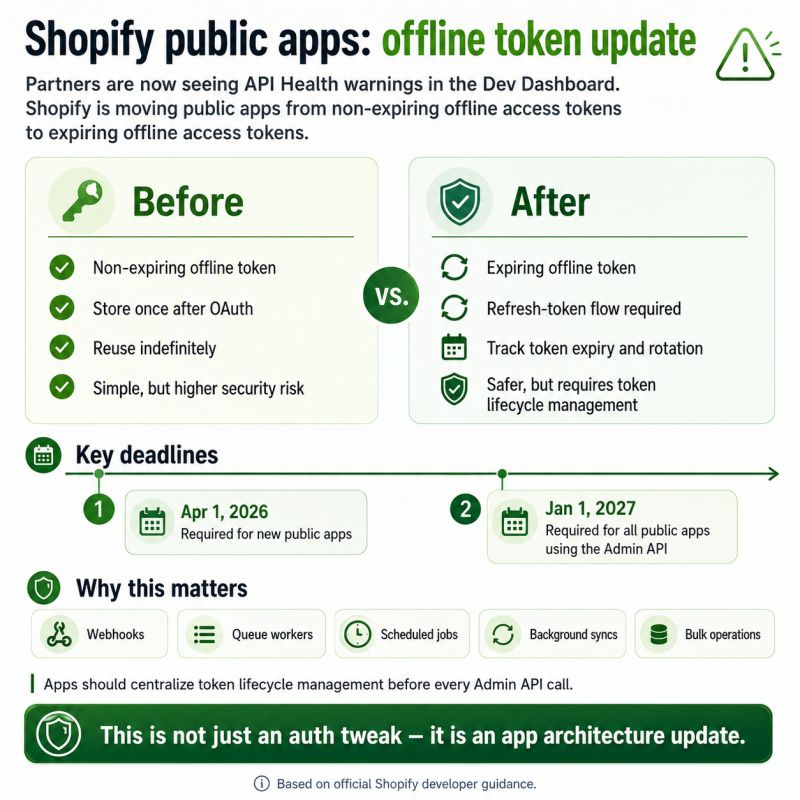
Some partners are now seeing API health warnings in the Dev Dashboard related to offline access tokens. This is connected to Shopify’s upcoming authentication change for public apps: moving from non-expiring offline access tokens to expiring ones for Admin API access. (This started as a LinkedIn post.)
Before
Public apps could generate an offline token during OAuth, store it once, reuse it indefinitely, and run webhooks, queues, cron jobs, and background syncs without any token expiry handling.
That was simple, but risky. If a token leaked, it could remain valid indefinitely.
After
Public apps need to handle:
- Expiring offline tokens
- The refresh token flow
- Token expiry storage
- Token rotation
- Background job compatibility
This is not just a small OAuth update. It affects app architecture.
Key deadlines
- April 1, 2026: required for new public apps
- January 1, 2027: required for all public apps using the Admin API
After January 1, 2027, public apps still using non-expiring offline tokens will receive authentication errors. API Health in the Dev Dashboard shows per-app status for the migration.
The real work
The real work is not adding refresh tokens. The real work is making sure every Admin API request goes through proper token lifecycle management, especially if your app uses webhooks, app proxies, background jobs, scheduled syncs, bulk operations, or queue workers.
The weak approach: “refresh when API calls fail.”
The better approach: centralize token management before every Admin API call.
The warning may look small in the dashboard. The impact is not small.